Air Snap
Use your camera from your phone.
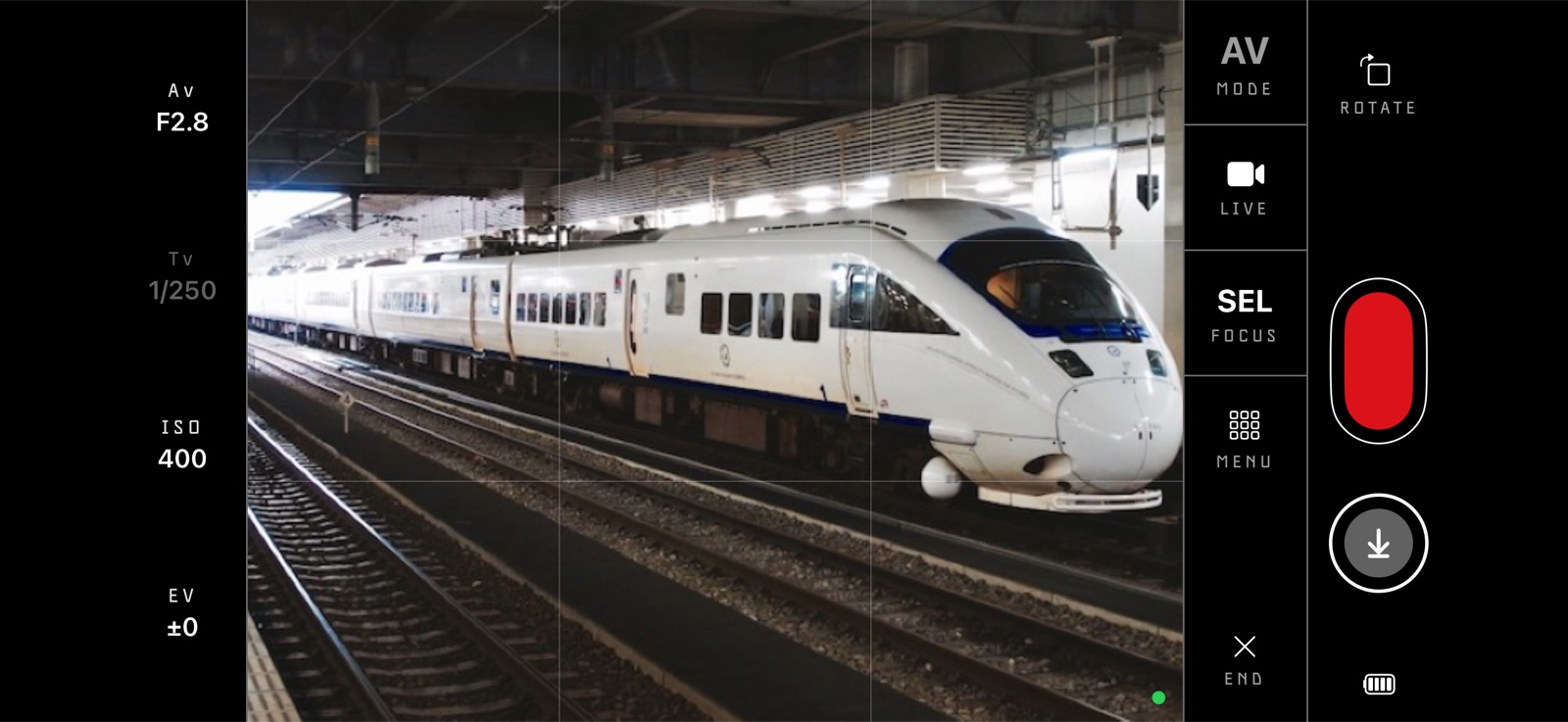
Air Snap connects to your camera over USB*, Wi-Fi or Bluetooth. You can shoot with live view, change settings, and copy photos to your phone.
Supports the Ricoh GR IV and Lumix S1R II today, more camera models coming soon.
*Not all cameras support USB tethering / live view.
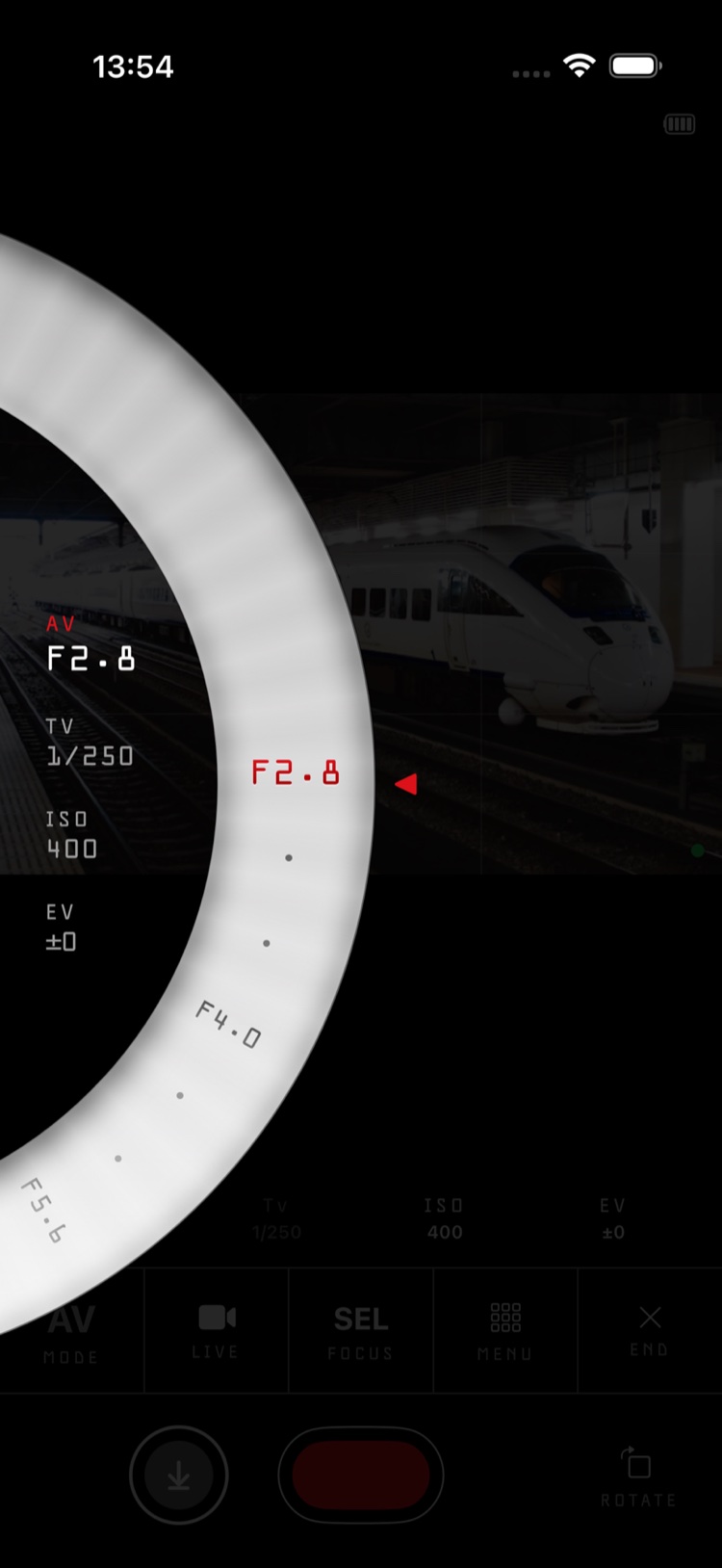
Quickly change settings 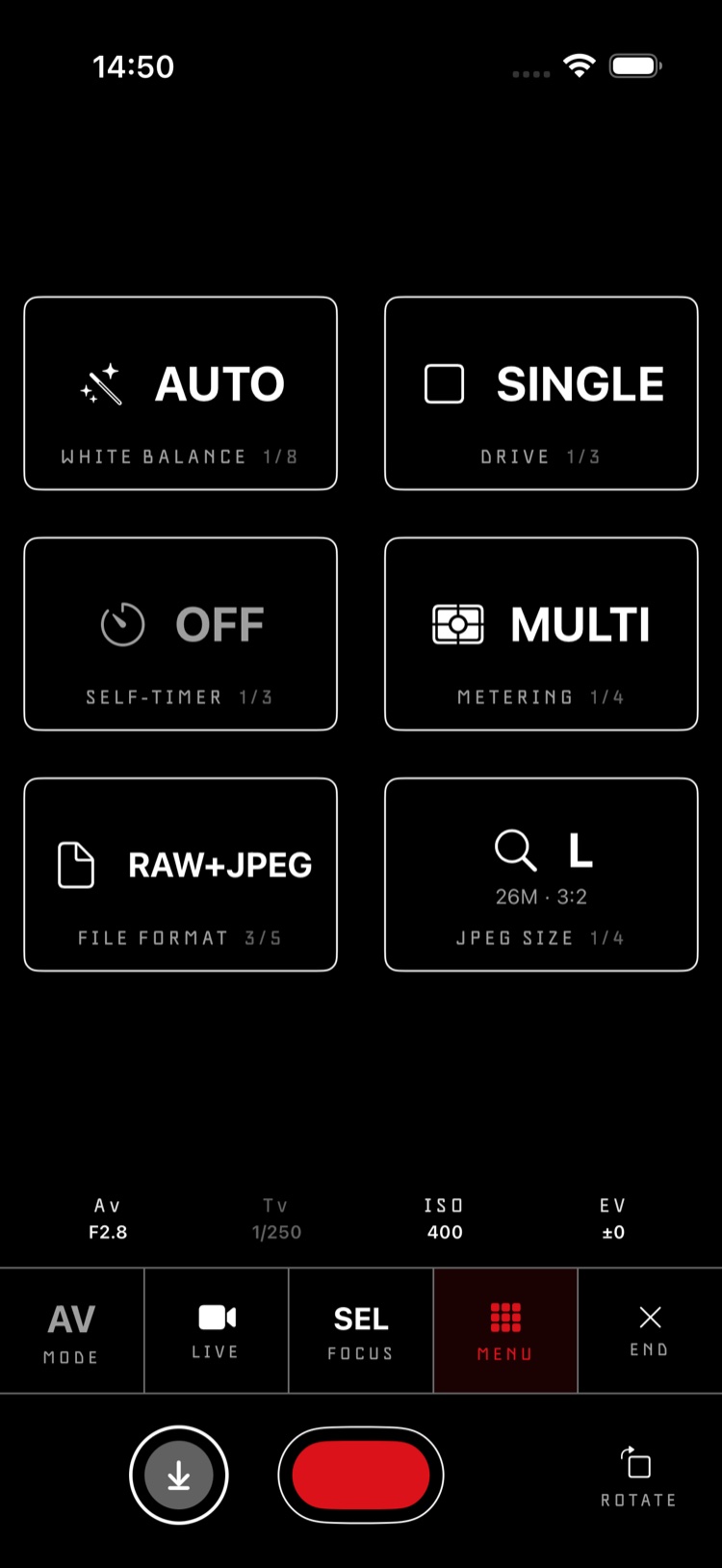
Camera menu 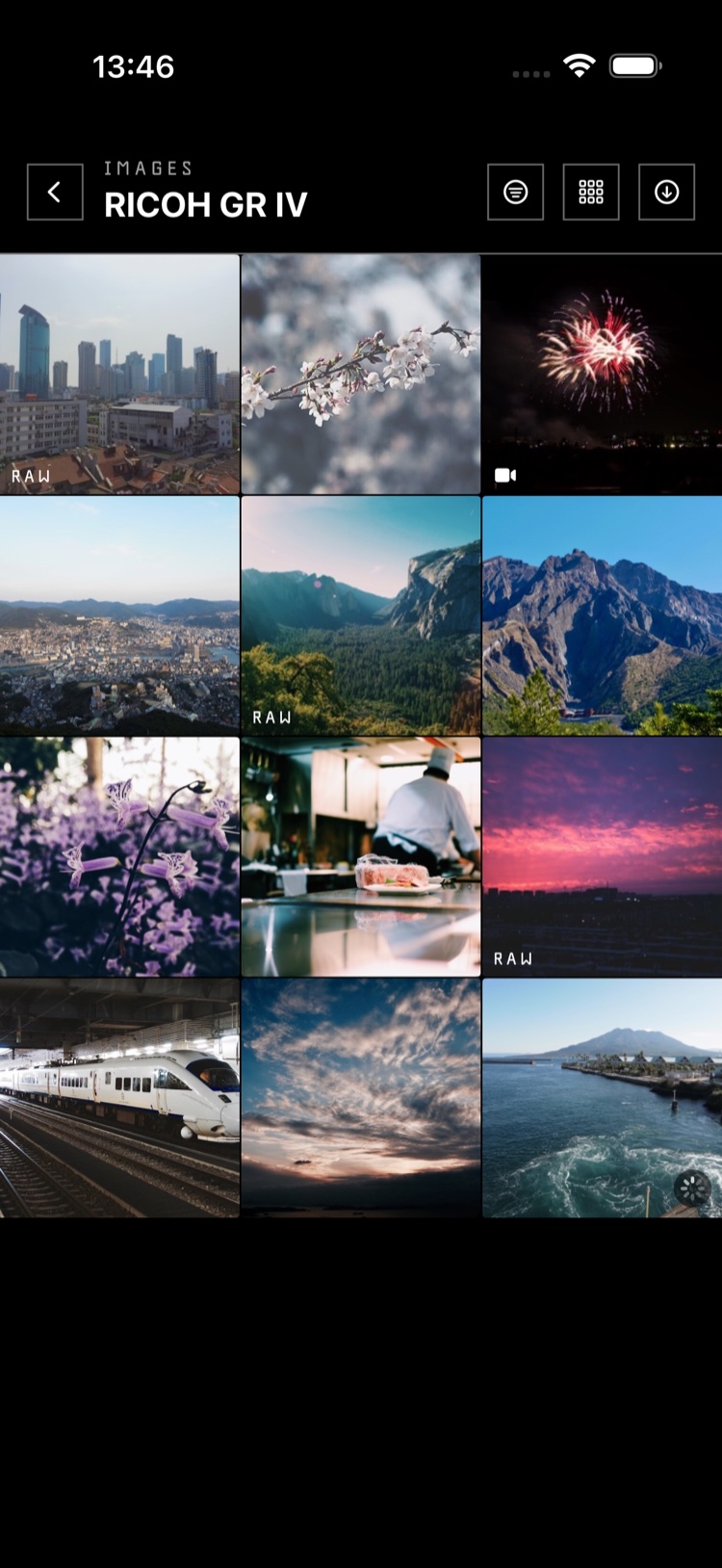
Browse and download 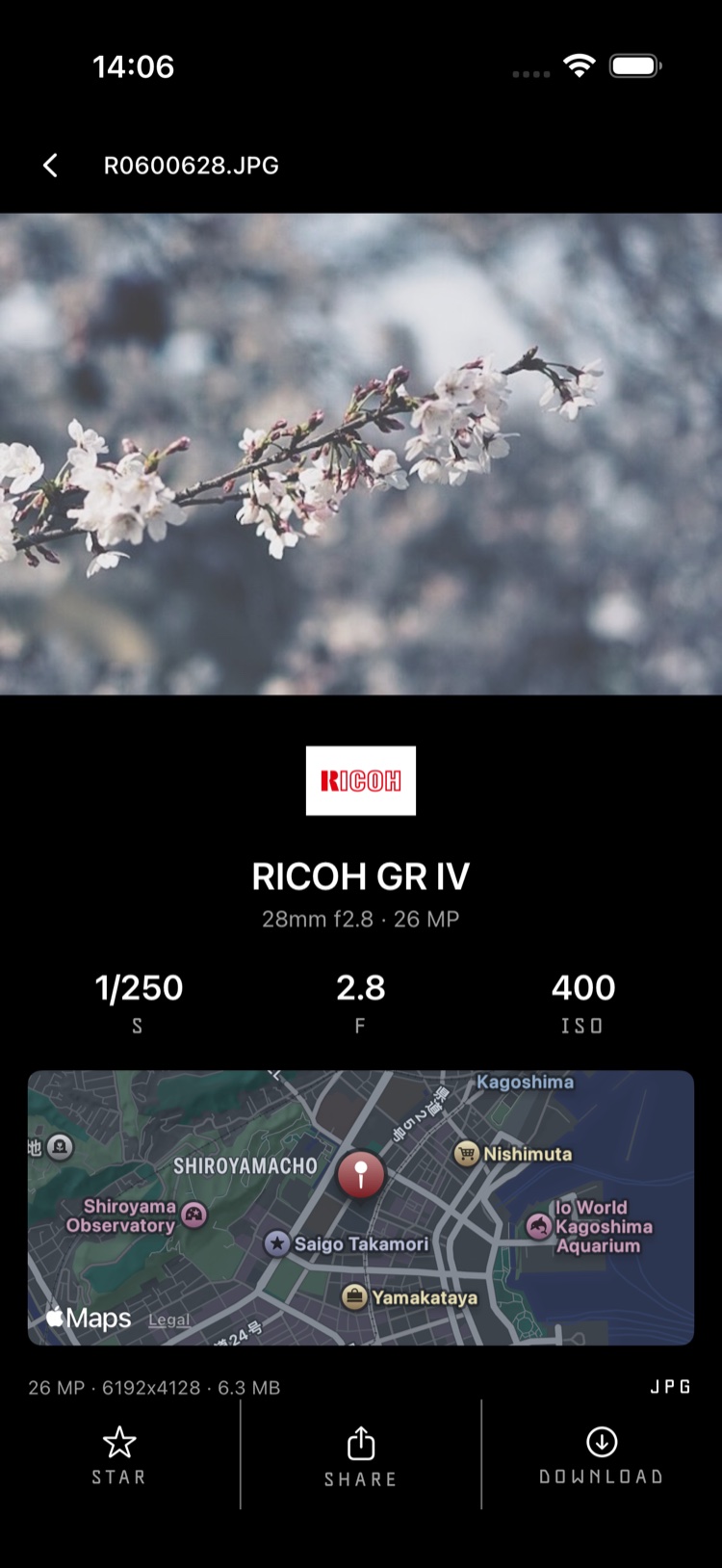
Shoot details and GPS
Connect
Connect to your camera over USB, Wi-Fi or Bluetooth.
Live view
Shoot with live view on the Ricoh GR IV and Lumix S1R II, with tap to focus.
Settings
Change settings like white balance and shooting mode from the app.
Transfer
Browse the card and copy photos to your phone, raw or JPEG.